This section helps you manage and review user-reported issues with questions. If a user finds an incorrect question or error, they can report it directly. Admins can then review the feedback, verify the issue, and make necessary corrections.
How to View Reporters Data
Navigate to Questions, In the Questions section, click Reported to access the list of reported questions.
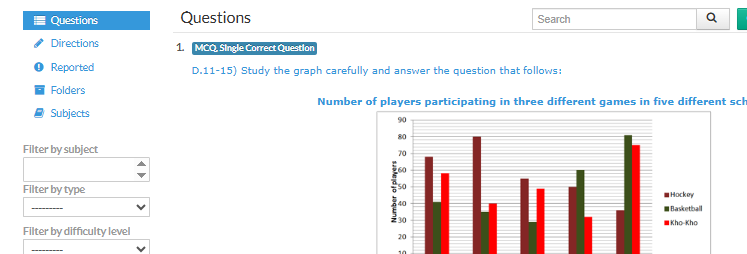
Click View Reporters on the top-right corner to see the list of users who have reported issues.

Now you can see the list of reporters . Click View Reports for a specific reporter to see the questions they reported.

This allows you to review reported questions, verify errors, and make corrections if necessary, ensuring the quality and accuracy of your question bank.
Why Use Reporters Data?
Quickly identify questions with errors or issues
Track feedback submitted by users
Review and verify reported content efficiently
Maintain accuracy and quality of your question database
Was this article helpful?
That’s Great!
Thank you for your feedback
Sorry! We couldn't be helpful
Thank you for your feedback
Feedback sent
We appreciate your effort and will try to fix the article